

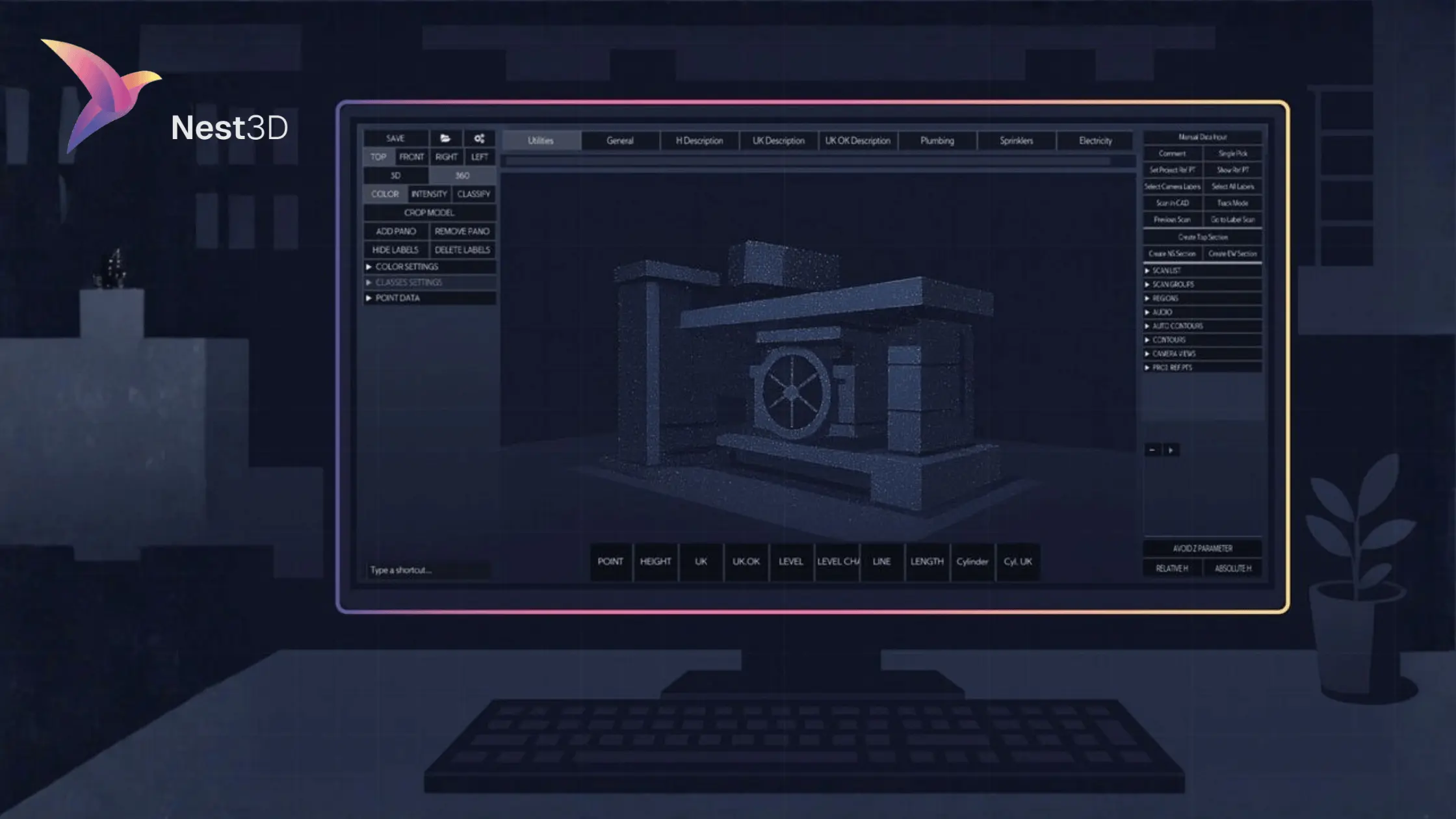
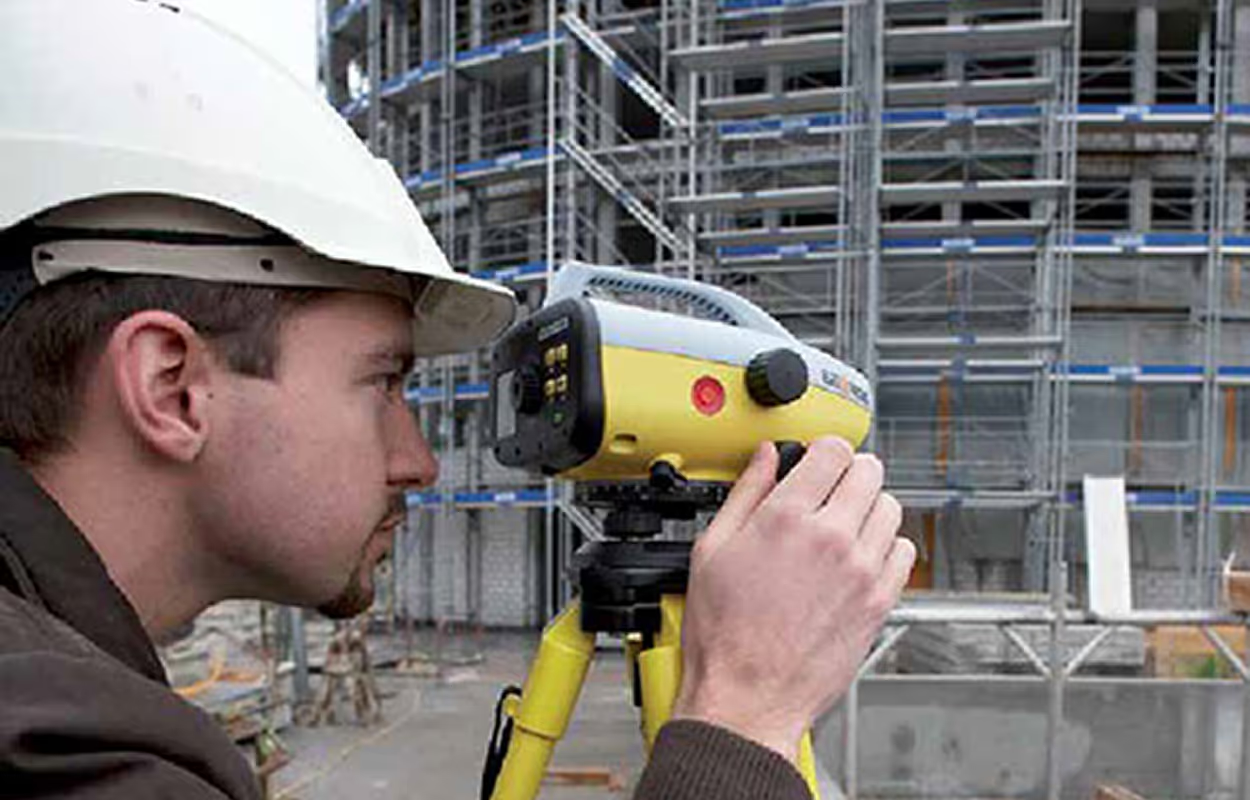
Scan to CAD Workflow has been evolving the speed, precision, and efficiency of real-world physical data into actionable 3D models. Modern 3D Scanner Construction captures millions of data points, creating a comprehensive digital twin of a site. The latest trends indicate a future where this process is seamless, automated and deeply integrated.
2026 Scan-To-CAD Workflow Trends: The Future is Now
The most significant shifts in the Scan to CAD Workflow are centered on connectivity, intelligence, and accuracy:
- AI & Automation for Deeper Insight:
Artificial intelligence is moving beyond simple feature extraction. AI-driven processing will be essential for extracting deeper insights from point cloud data, automatically identifying structural elements and predicting potential clashes.
- Cloud-Based Platforms:
The enormous size of typical point cloud files often creates logistical challenges. The latest trend is the widespread adoption of Cloud-Based Platforms, which facilitate remote data sharing, analysis, and collaboration. This ensures that surveyors in the field are working from a single, current dataset.
- Integrated Systems for a Single Source of Truth:
The industry is witnessing a decisive move from isolated tools to integrated systems. A true single source can scan data instantly and incorporate it into project management and BIM platforms. This means less time spent manually preparing a diagram or correcting data loss between disparate software environments.
- Enhanced GNSS for Unprecedented Accuracy:
2026 will see the maturation of Enhanced GNSS technology, providing more precise GPS/GNSS capabilities that deliver centimeter-level accuracy for initial alignment and subsequent surveying tasks.
- Modular Construction Support:
The efficient Scan to CAD Workflow supports modular construction. Trade Scouts and industry reports highlight that a precise scan of CAD data is vital for coordinating the off-site manufacturing of modules with the exact spatial requirements of on-site assembly. The ability to quickly and accurately generate a design-ready model using a dedicated 3D Scanner for CAD is a necessity.
Bridging the Gap with Nest3D
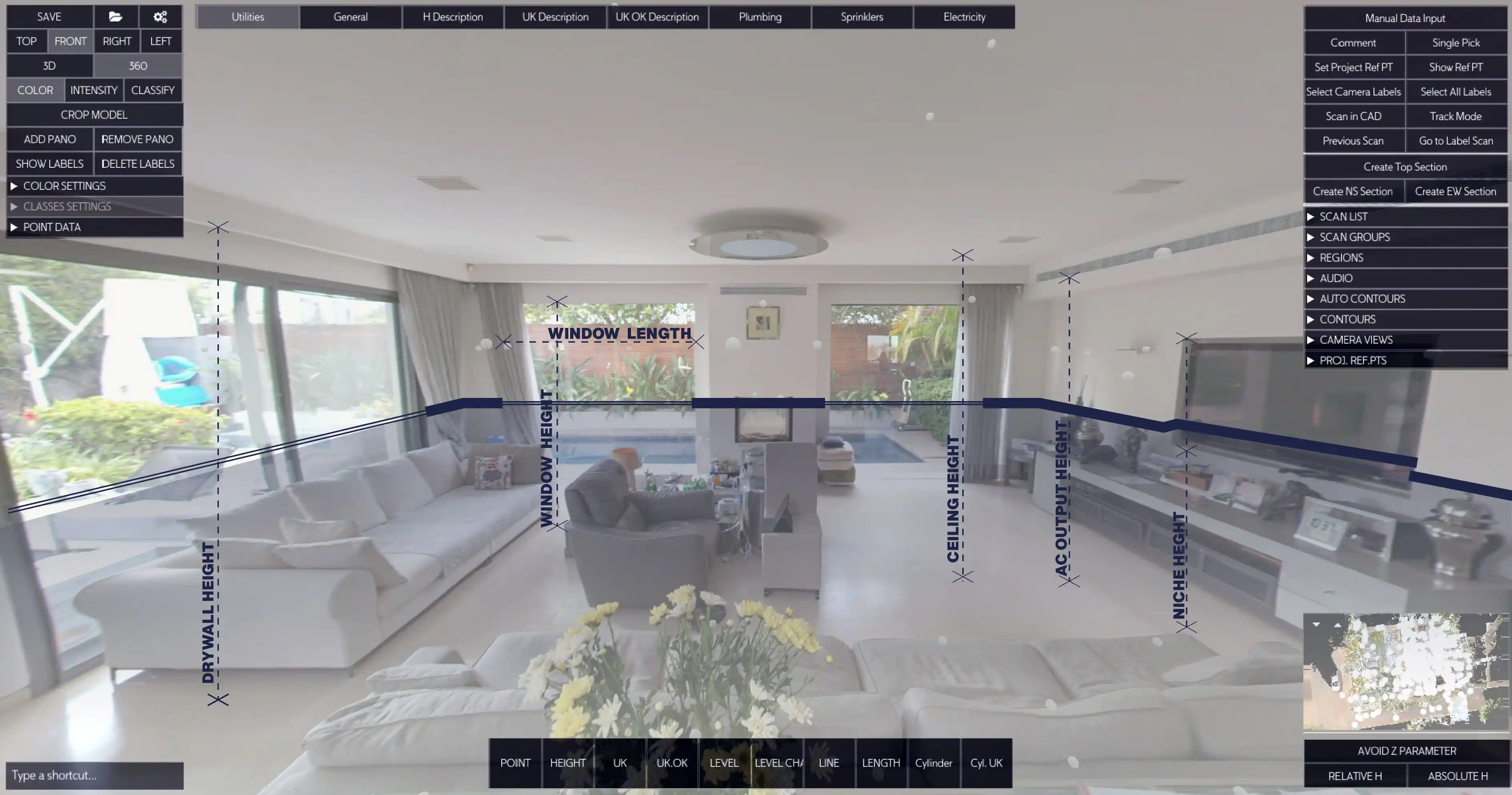
While capturing data is fast, the manual conversion of complex point cloud data into clean CAD deliverables has historically been the bottleneck. Nest3D is engineered precisely to address this 'data-to-model' chasm.
Recognizing the industry shift toward greater automation, integration, and accuracy, our platform transforms raw, complex point cloud data into polished, intelligent CAD models with an efficiency that sets a new industry standard.
- Intelligent Modeling Algorithms: Our proprietary algorithms are engineered to automatically recognize and model common structural features.
- Focus on Design Intent: We eliminate the tedious tasks of data cleanup and manual tracing.
- Trend-Driven Efficiency: By aligning with trends in cloud-based collaboration and system integration.
- Accelerated Deliverables: Our streamlined Scan to CAD Workflow is proven to deliver up to 60% less drafting time.
- Precision and Alignment: Nest3D ensures the resulting CAD model maintains perfect geometric precision.
Built for the CAD Tools You Already Use
- DWG linework streams directly into AutoCAD, BricsCAD, or ZWCAD
- Uses your existing templates, layers, linetypes, and blocks
- Native DWG workflow with no format conversions
- Familiar environment with a short learning curve
To learn more, read on…
With Nest3D, exporting final models is instantaneous, ensuring the project team receives a clean, layered DWG or other industry-standard file format ready for immediate use. This powerful platform maintains geometric precision and ensures perfect alignment with project coordinates, making it an indispensable tool for complex retrofits, infrastructure projects, and quality control.
Future-Proof Your Projects Today
The industry is moving at lightning speed. Relying on outdated modeling practices is no longer competitive; it’s a liability. An efficient Scan to CAD Workflow powered by platforms like Nest3D is the key to delivering projects on time, within budget, and with unparalleled accuracy.
To compete in the 2026 market, you need technology that delivers both precision and speed. Stop dedicating valuable time to laborious point cloud clean-up and start leveraging automation for superior results. Elevate your Scan to CAD Workflow and gain a definitive competitive advantage today.
Start your journey with Nest3D and experience the difference for yourself.
Turn Point Clouds into CAD in Seconds
Cut drafting time by 60 percent and deliver accurate DWG drawings without manual tracing. Try Nest3D free for 14 days with no credit card required.
Get Started for Free
.svg)


.svg)
