Smarter, Faster
Point Cloud Processing

Software that takes you from scan to CAD in record time.

  • 60% Less Drafting Time

  • 50% Less Manual Work

  • 99.9% + Linework Accuracy

Hero Image

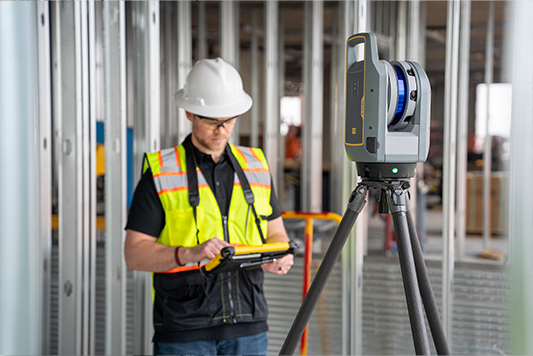
Created By Surveyors, For Surveyors

Nest3D the tool to eliminate manual grind so your team is more productive, accurate, and effective. Handoff tedious tracing and accelerate workflows starting now!

Feature Image

LESS CLICKING, MORE CREATING

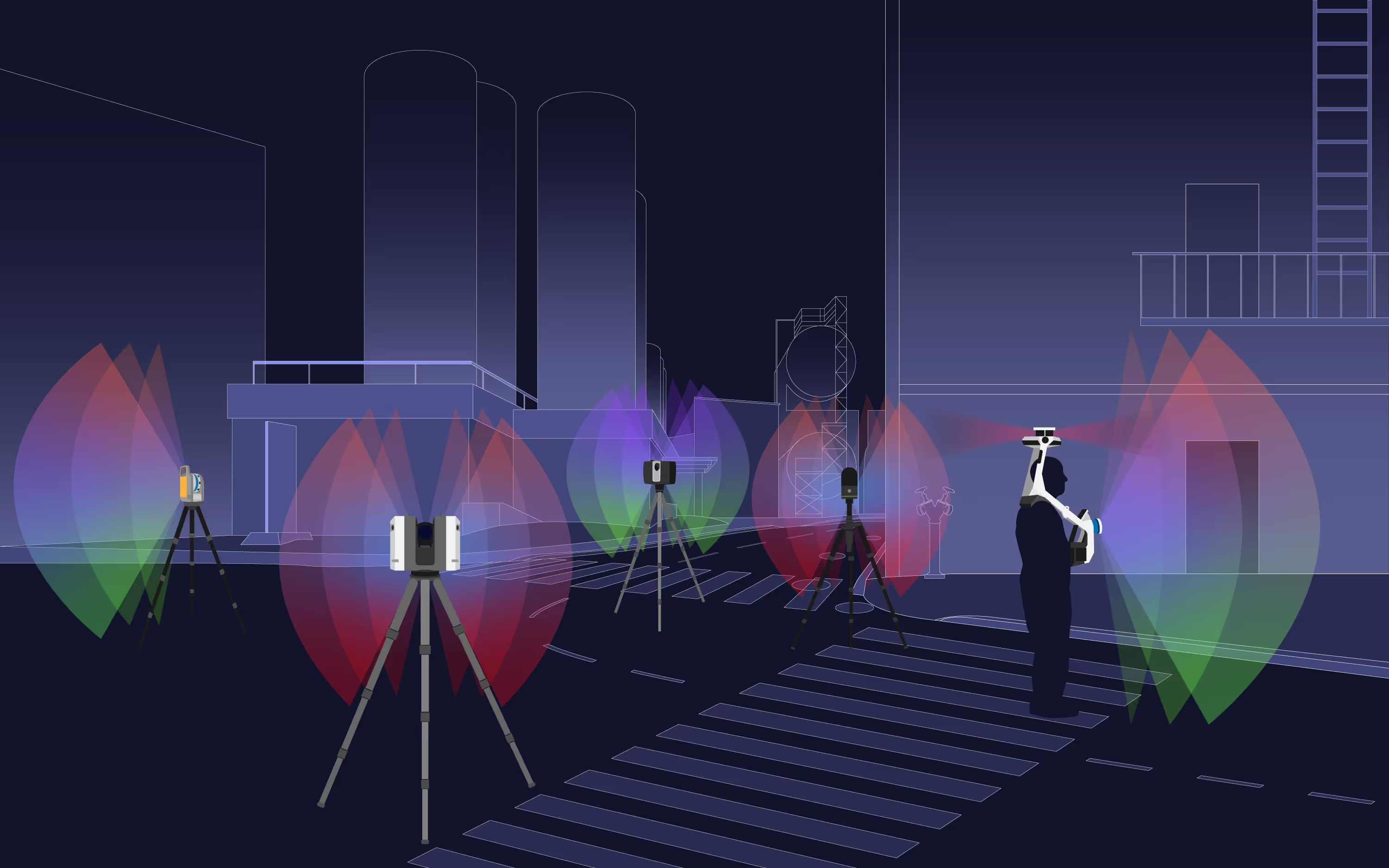
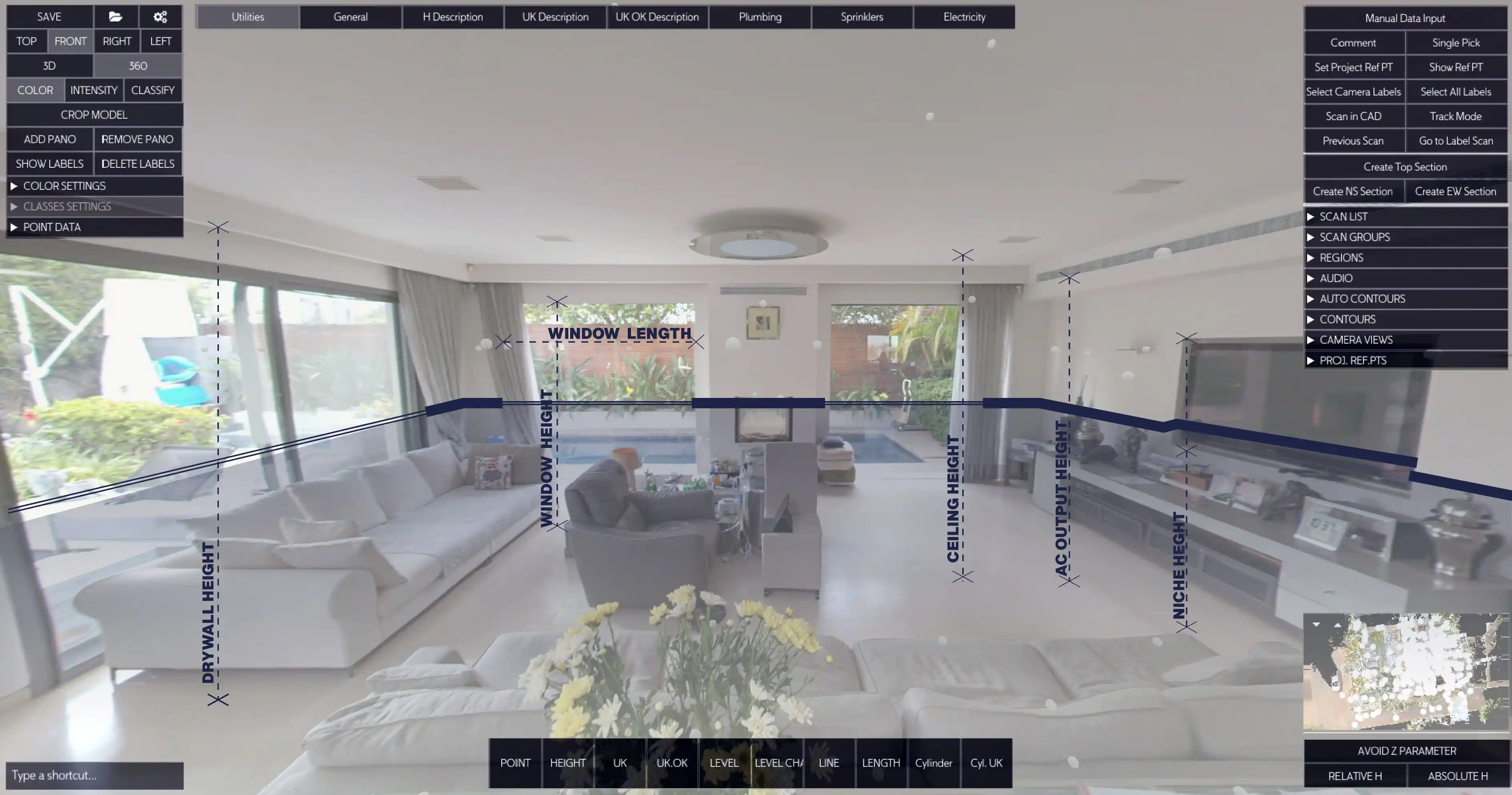
Work in the 360º LIDAR-backed image

Rapidly convert point cloud data intoprecise CAD drawings with less effort andtime.

  • Flexible, Easy-to-Use

  • Seamless CAD Tool Integration

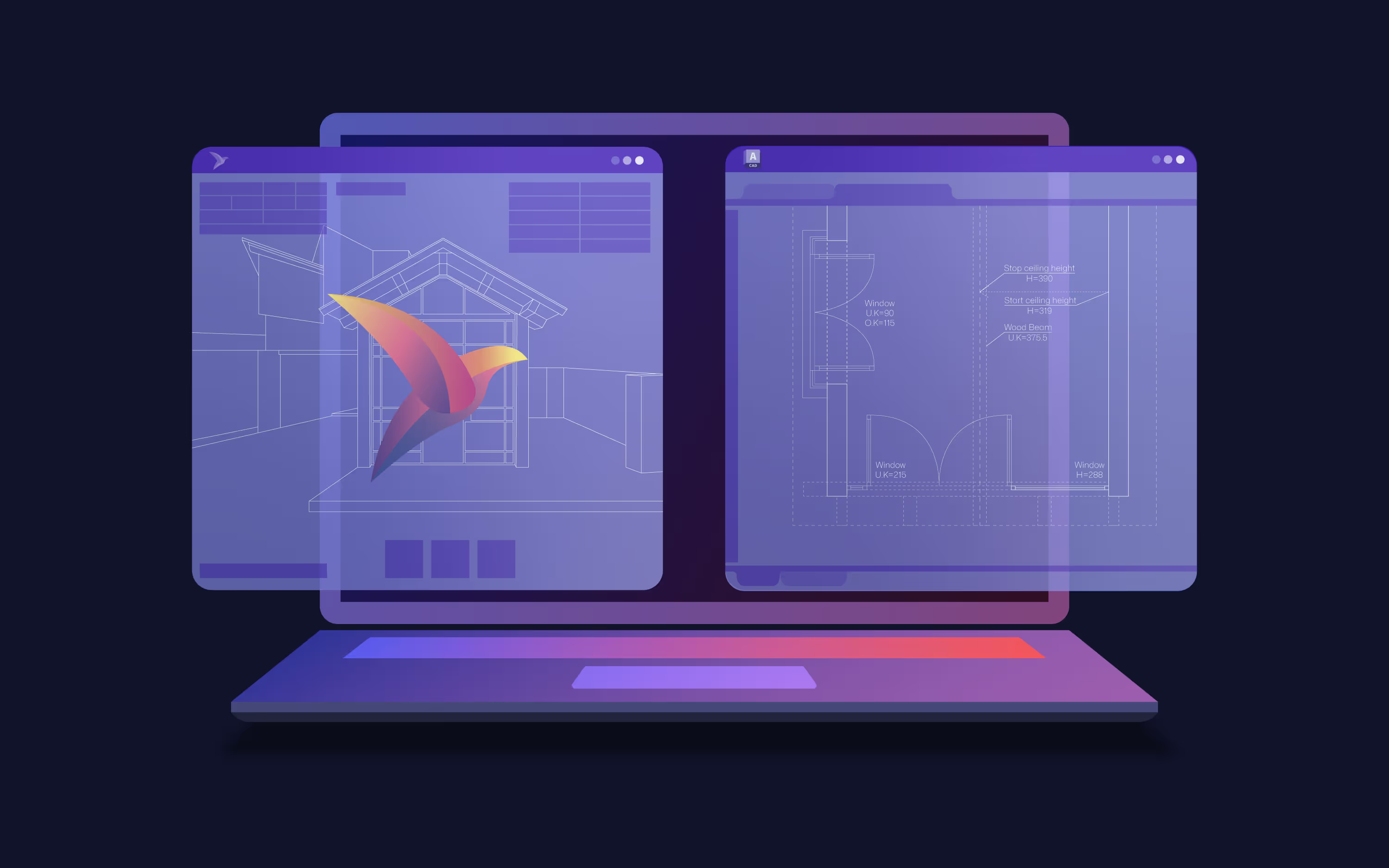
  • Pairs with AutoCAD, BricsCAD, ZWCAD

  • Fully Customizable

  • Free Setup, Training & Support

Rapidly convert point cloud models into precise CAD drawings with less effort

Compatible with Major CAD Platforms
Point Clouds, Perfected

Extract elements directly from the panorama and generate clean DWG linework inside your CAD already formatted to your standards

  • Manual tracing

  • Instant linework

  • Clean, accurate drawings

Get detailed, production-ready drawings faster & easier

Feature Image

Why Teams Choose Nest3D

Watch Nest3D convert E57 and FLS scans to DWG inside your CAD in real time.

One-click Extraction From Panorama View

Accurate Linework Formatted To Layers & Blocks

360º Visual Workspace & Fast Feature Placement

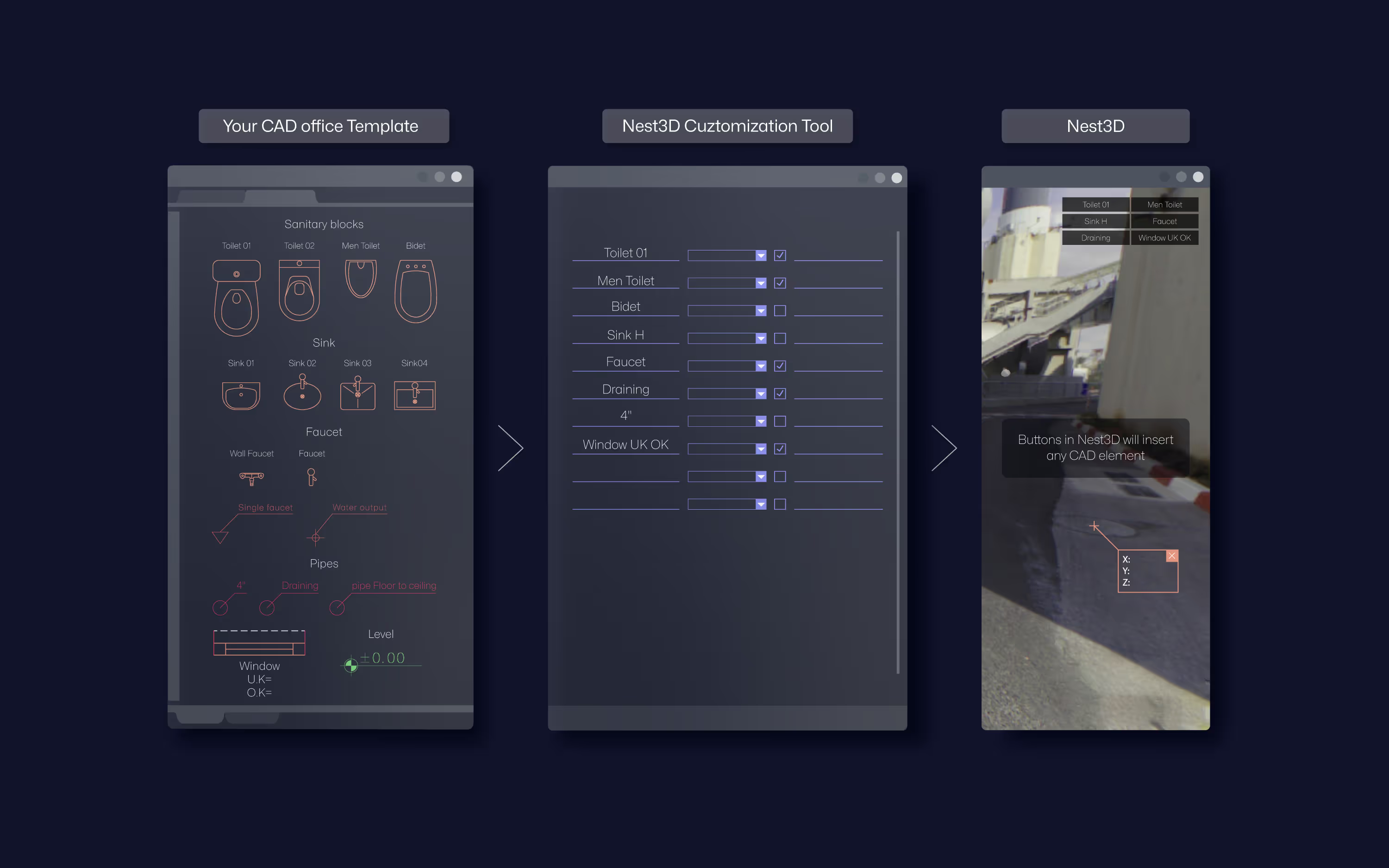
Place Blocks & Texts Natively From DWG Standard

Rapid Drawing Output And Rework Minimization

Standardized CAD Output For Consistent Drawings

Process Scans In Mono, Intensity Or Full Color

Build CAD-ready Topo Maps From Geo-Referenced Scans

Built for the CAD Tools You Already Use

  • DWG linework streams directly into AutoCAD, BricsCAD, or ZWCAD

  • Uses your existing templates, layers, linetypes, and blocks

  • Native DWG workflow with no format conversions

  • Familiar environment with a short learning curve

Nest3D Logo
Nest 3D
AutoCAD Logo
AutoCAD
BricsCAD logo
BricsCAD
ZWCAD logo
ZWCAD
Floor plan icon
2D DWG floor plan

Before and After

Before

  • Manual Point-Cloud Tracing

    Slow and error-prone.

  • Slow Drafting

    Days per project.

  • Inconsistent Accuracy

    Human-dependent results, outcomes vary by drafter.

  • High Labor Costs

    More hours, higher spend.

Drafting time
Days
Accuracy
Variable
Project/week
~5-6

After

  • Automatic Linework Extraction

    Instant clean 2D drawing.

  • Faster Drafting

    Up to 60% time saved.

  • Consistent Accuracy

    Template-driven results.

  • Lower cost

    More output, less labor.

Drafting time
Hours
Accuracy
99%+
Project/week
~10-12

Book a Demo Now and get access to a free trial

Convert E57 and FLS to DWG in minutes. No credit card needed.

You’ll also get a link to book a free setup call.

You're in 🎉

We’ve emailed your trial details. Want help installing and testing on your data? Book a free setup call:

Install the software with you
Test on a real project
Oops! Something went wrong while submitting the form.
Surveyor smiling at desk with laptop and level
CTA ShapeCTA Shape

Frequently Asked Questions

Have questions about Nest3D? Here are some of the most common queries to help you get started.

Still need help?

Send us a message and our team will reply right away.

Do you support my scan format?
How much time can we save?
What about large point clouds?
Can you help with setup?