


3D survey scanners have become one of the most valuable tools for firms that want precise results, faster documentation, and seamless transitions from the field to CAD platforms. From road alignment issues, even a minor miscalculation in length, height, distance, scale, or parameter can lead to costly errors. With the ability to scan, convert, and Export 2D & 3D diagrams directly, including DWG formats, these scanners are reshaping how modern projects begin.
Industry Trends of 2026: What to Know
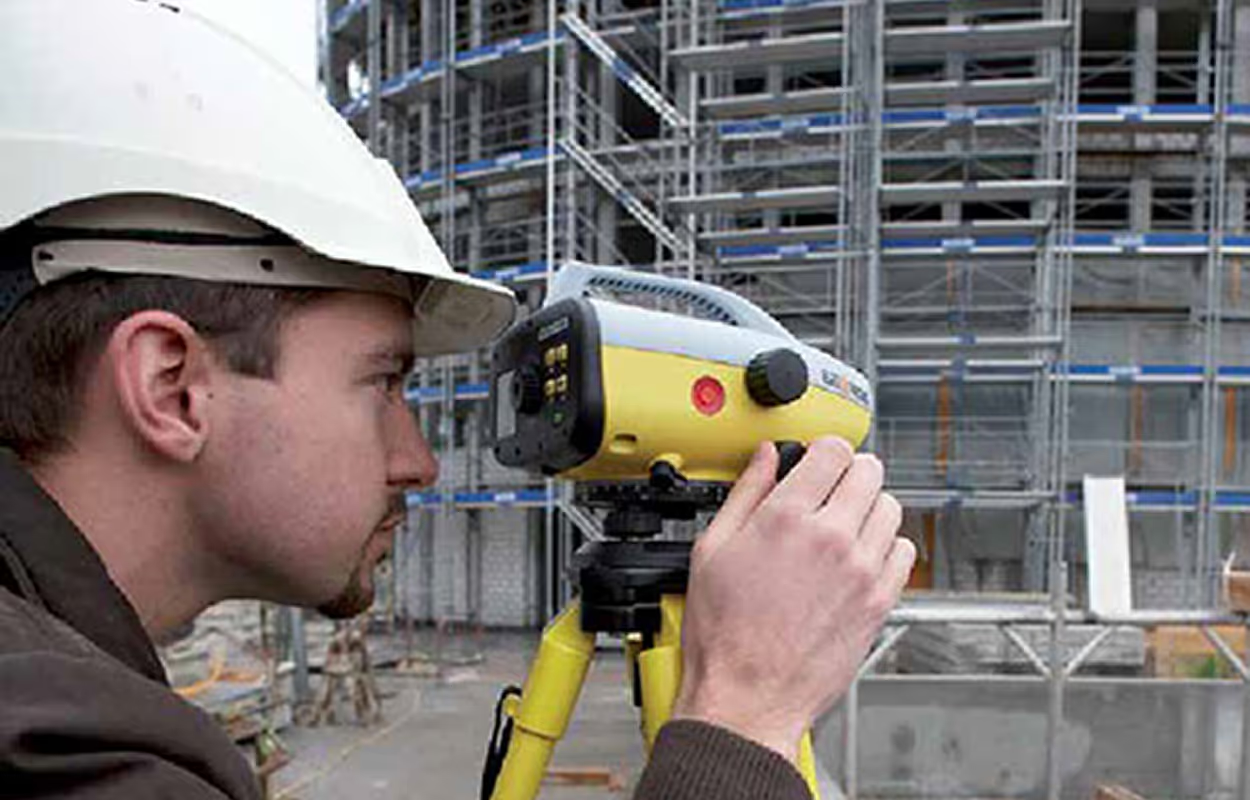
3D Survey Scanners are a cornerstone of the industrial trends for 2026. This technology is revolutionizing how surveyors capture and document existing conditions, dramatically improving accuracy, efficiency, and safety across large-scale projects.
- Time-of-Flight (ToF) Laser Scanning: This method, often used for long-range applications, measures the distance to a point by calculating the time it takes for a laser pulse to travel from the scanner to the object and back. It's ideal for large areas like construction sites or infrastructure.
- Laser Triangulation: Best for short and medium-range applications, this technique projects a laser and measures its reflection using a sensor. The known distance between the laser source and the sensor is used to calculate the 3D coordinates of the points through geometric triangulation.
- Structured Light Scanning: Instead of lasers, these scanners project a known light pattern (like grids or stripes) onto an object. The distortion of this pattern is captured by a camera and used to calculate the object's surface shape.
How Surveyors Execute 3D Scanning Projects
A modern surveyor's job is fundamentally shifting from manual measurements to advanced data management, executed through three key phases in a 3D scanning project. Fieldwork Scanning involves strategically placing the 3D scanner to ensure full coverage and measuring control points using traditional methods like GPS for accurate alignment. The registration and processing of the survey point cloud software to "stitch" the individual scans together. Finally, deliverables and exports utilize the unified point cloud to model as-built conditions, creating floor plans and 3D models that abide by the latest 2026 trends.
Key Phases of Point Cloud Processing
Point Cloud Processing transforms raw data from a scan into usable engineering drawings and CAD deliverables. This complex workflow comes in three main phases:
- Data Preparation
This stage begins with cleaning the point cloud to remove "noise" and ensure an accurate representation of the object's distance, length, and height. Next is Registration, which mathematically "stitches" together individual scans, ensuring their proper alignment and placing them into a single, unified coordinate system with the correct Scale.
- Modeling & Feature Extraction
Once registered, the data is used to create an intellectual model or diagram. This includes feature extraction for generating outputs (like floor plans) by tracing linework, and 3D Modeling (BIM/Meshing).
- Analysis & Inspection
The final processed data is used for quality assurance. Deviation Analysis compares the as-built scan against the original design to check tolerances.
Nest3D: Focus on Scan-to-CAD Automation
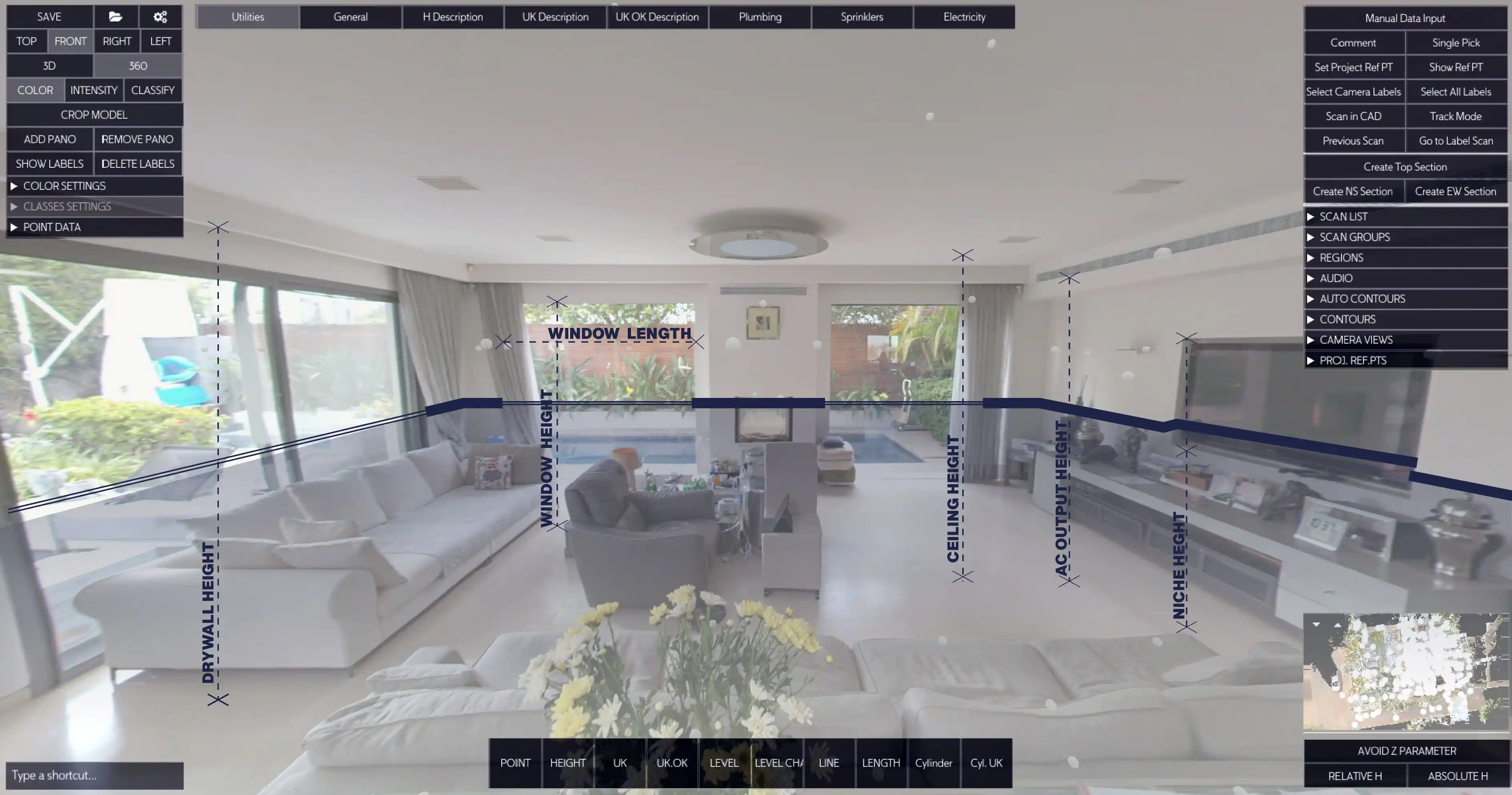
While many software packages handle initial registration, Nest3D focuses on the complex Scan-to-CAD workflow for the deliverable phase. Its Unique Selling Proposition (USP) is automated, Template-Driven 2D CAD drafting directly from the Point Cloud.
Nest3D eliminates the slow, manual tracing of linework. Its core tools automatically extract clean 2D linework (walls, openings) with high accuracy from the point cloud, significantly accelerating the process to convert the scan into a diagram.
Take Control of Your Point Cloud Workflow Today
If your team is still spending days manually converting dense point cloud data into clean DWG files, you are losing money and competitiveness. Nest3D is engineered to keep up with the latest industry trends of 2026, to stay ahead of time, and instantly generate precise 2D dimensions and ED outputs directly into your existing Computer-Aided Design software.
Nest3D's specialization in automated linework extraction and standardized export ensures your deliverables are not only faster but also save up to 60% of drafting time. Claim your 14-day free trial and get immediate access to the full suite of automated drafting tools, no credit card required.
Minimise risk, eliminate errors, and maintain complete control over project measurements.
Turn Point Clouds into CAD in Seconds
Cut drafting time by 60 percent and deliver accurate DWG drawings without manual tracing. Try Nest3D free for 14 days with no credit card required.
Get Started for Free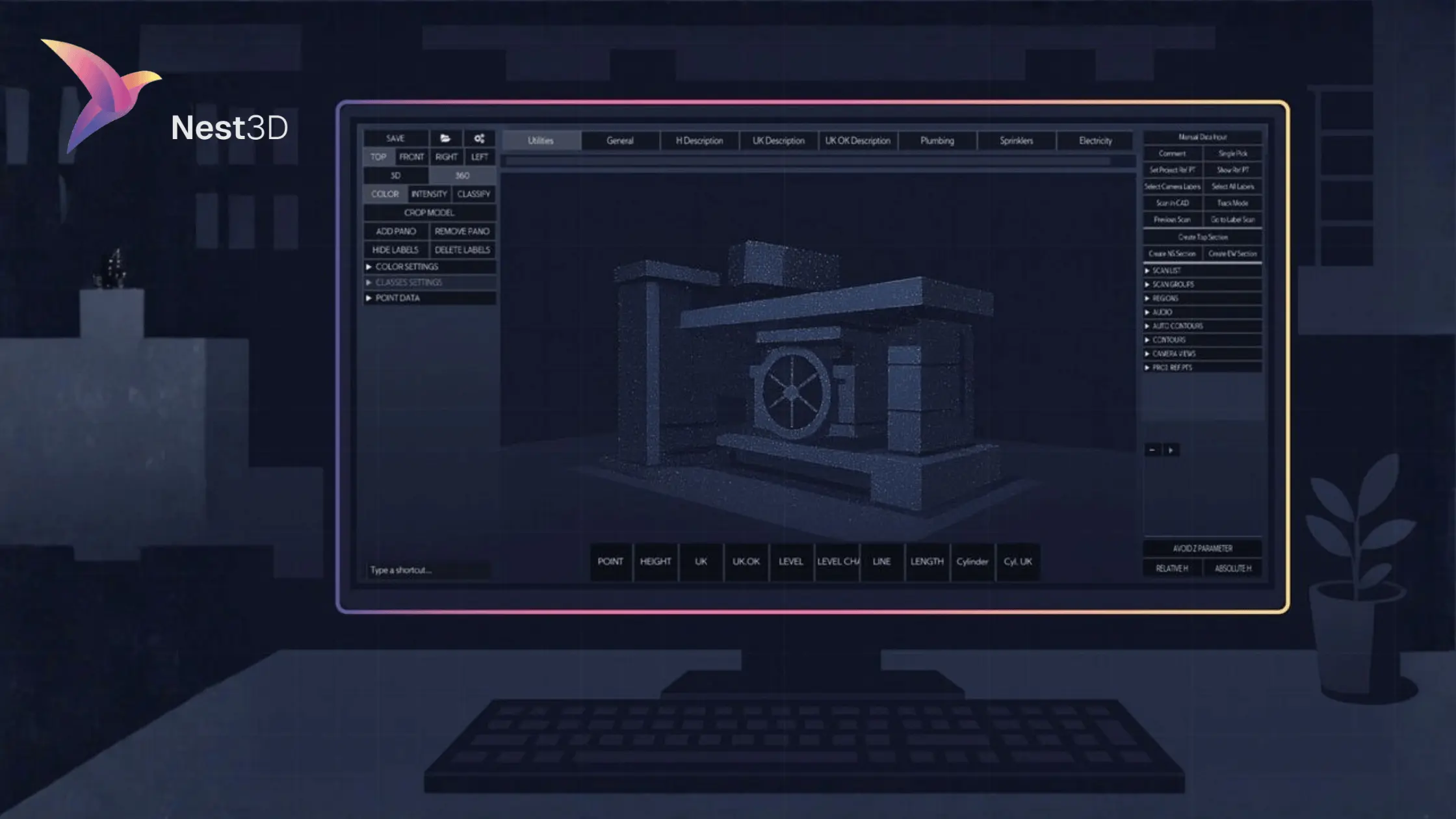
.svg)


.svg)
