
.svg)
.svg)
Surveyors rely on advanced Revit point cloud plugins to automate these tasks, ensuring accurate DWG outputs. Nest3D’s Revit integration provides a seamless solution for professionals, offering point cloud tools that simplify workflows while maintaining design integrity.
The Role of Revit Point Cloud Plugins
A Revit point cloud plugin allows users to import and work directly with point cloud scans inside Revit. This enables accurate modeling of existing structures. With point cloud to CAD software, surveyors and architects can rapidly convert point cloud data into editable CAD drawings, extracting walls, floors, and structural features with minimal manual intervention. The plugin supports comprehensive scan alignment, ensuring consistency across multiple scans and reducing common manual errors.
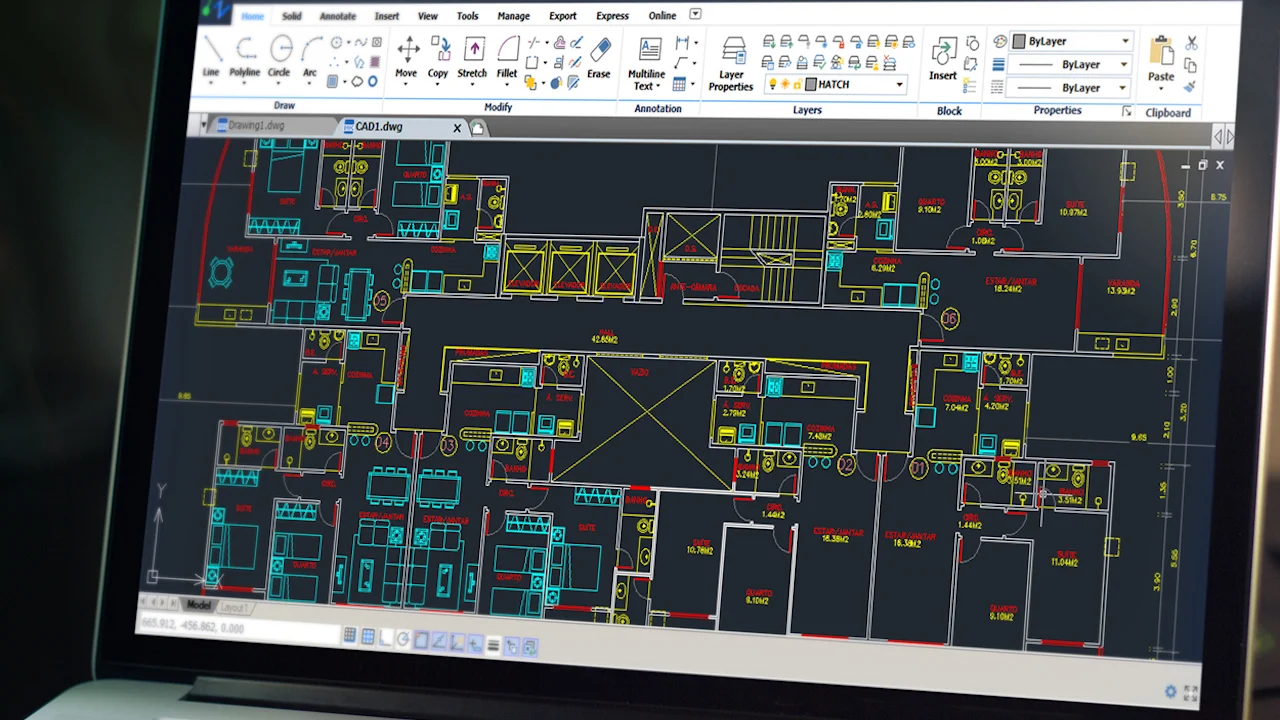
By integrating point cloud processing within Revit, professionals can generate accurate CAD models with less effort, enhancing both productivity and the reliability of as-built documentation.
Key Features of the Autodesk Revit
Given below is a list of the different features that support the Point cloud plugin. Let’s take a look at them.
• Scan to BIM - Rapid Conversion: Using Nest3D’s plugin, surveyors and architects can rapidly convert point cloud data from formats such as E57 or FLS into DWG drawings. This automated process eliminates the need for repetitive manual tracing, allowing teams to focus on analysis, planning, and design.
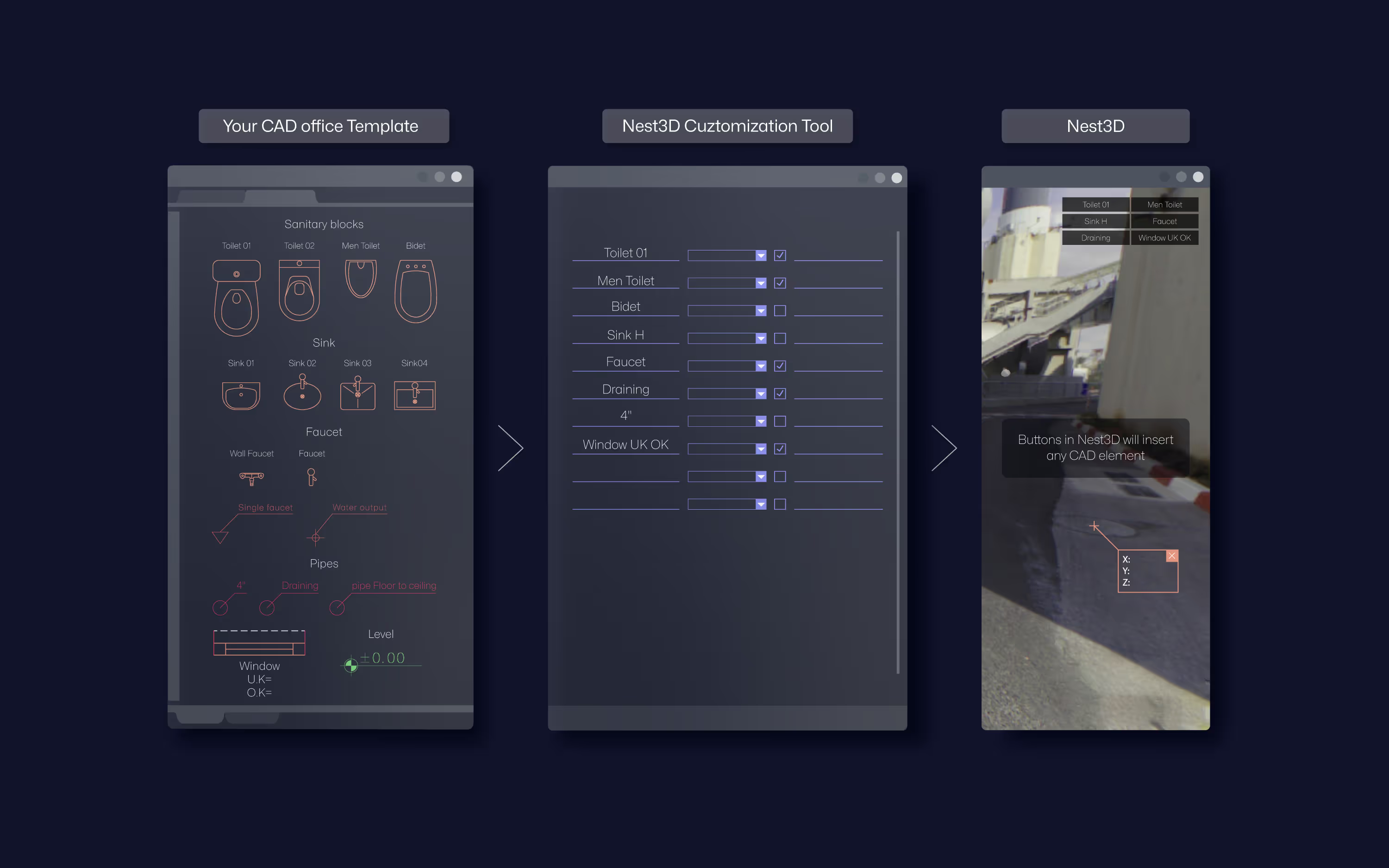
• Template-Driven Accuracy: The plugin integrates with existing Revit templates, layers, and block conventions. By standardizing outputs, surveyors and architects achieve easy and consistent accuracy across projects. Automated linework extraction ensures that CAD drawings adhere to organizational standards, whether working with AutoCAD, BricsCAD, or ZWCAD.
• Extract Walls and Structural Features: One of the most critical tasks in industrial and architectural projects is accurately capturing walls, partitions, and structural elements. With the extract walls from point cloud functionality, users can produce clean, CAD-ready outputs that are aligned with project standards. This ensures precise alignment between point cloud scans and CAD drawings, reducing errors and rework.
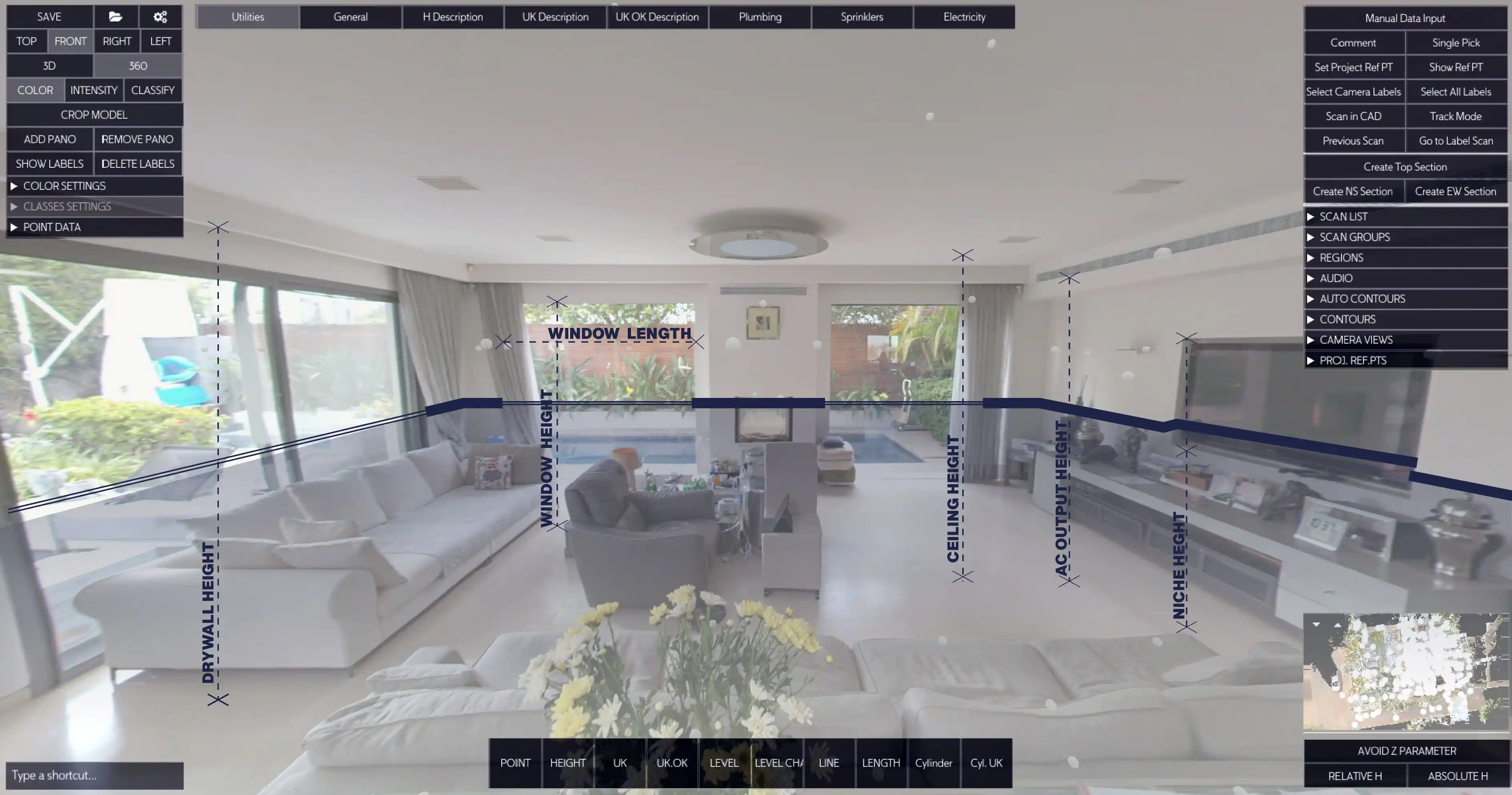
• 360° Visual Workspace: The Revit plugin supports transformation from 2D drawing to 3D BIM model, it all starts with the panorama images on top of the LIDAR data from the scanner. This feature enables rapid placement of walls, doors, and structural components while verifying alignment and accuracy against the original site scan.
• Comprehensive Point Cloud Tools: Nest3D’s point cloud tools enable manipulation of mono, intensity, or full-color scans, supporting detailed modeling and annotation. From site surveys to retrofit planning, these tools ensure every element is captured and converted into precise CAD drawings and models.
Benefits for Users
Unlock key benefits designed to help surveyors and architects work faster, smarter, and with greater precision.• Reduced Drafting Time: Surveyors can now focus on the field part. Convert complex point cloud scans to CAD in a fraction of the time, low fees and save manpower expenses.• Enhanced Accuracy: By maintaining alignment with the original scan, the plugin ensures that every wall, floor, and structural feature is accurately represented in the DWG drawings. This minimizes discrepancies and ensures high-fidelity outputs for design and construction.• Seamless CAD Integration: The Revit plugin works natively with AutoCAD, BricsCAD, and ZWCAD, enabling professionals to use their familiar CAD workflows.• Simplified Project Collaboration: By integrating to any CAD template and maintaining precise alignment, teams can reduce miscommunication, minimize rework, and maintain high productivity.• Versatility Across Project Types: Whether capturing industrial facilities, commercial buildings, or complex architectural structures, the Revit plugin supports diverse applications.
Practical Applications
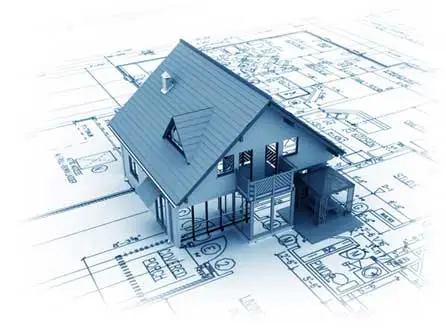
• As-Built Documentation: Generate precise BIM models of existing structures, ensuring accurate records for renovations, expansions, or audits..• Retrofit and Renovation Planning: Use point cloud to blueprint functionality to align new designs with existing structures.• Structural and Mechanical documentation: Extract walls, floors, and mechanical components to identify potential clashes and optimize layouts.• Digital Twin: Get detailed drawings within few clicks or by using the Full automation engine to transform point cloud into as-built digital data
Cooperative Nest3D Integration for Revit
Experience accurate point cloud modeling with Nest3D’s powerful Revit-integrated tools.
• Automatic Linework Extraction: The plugin automates linework extraction directly from point cloud scans, generating DWG drawings ready for use. This reduces drafting time and ensures consistent quality across multiple projects.• Scan Alignment and Integration: Professionals can align multiple point cloud scans accurately within Revit, preserving spatial relationships and project integrity. Proper alignment ensures precise CAD drawings and reduces downstream errors.• Template-Based Outputs: Using existing Revit templates and CAD workflows, the plugin delivers standardized outputs that meet organizational requirements. Architects and surveyors can produce consistent, accurate documentation without redundant manual adjustments.• Support for Multiple Scanning Technologies: Nest3D’s plugin handles data from terrestrial or mobile SLAM scanners, supporting mono, intensity, or full-color scans. This versatility allows surveyors and architects to integrate all available scan data into point cloud to CAD software workflows seamlessly.By incorporating Revit point cloud plugin capabilities, professionals can transform point cloud scans into actionable CAD outputs, rapidly convert point cloud data into diagrams, and maintain precise alignment across all drawings. Learn more about our 14-day free trial for professional point cloud workflows in Revit.
Frequently Asked Questions:
- 1. Will my existing CAD templates and standards still work with this plugin?
Yes. The plugin integrates seamlessly with Revit and CAD, same for customized templates, including layers, linetypes, blocks and family types. This guarantees standardized, consistent outputs across AutoCAD, BricsCAD, and ZWCAD.
- 2. Can the plugin handle multiple point cloud scans and align them accurately?
Yes. Nest3D offers robust scan alignment features that maintain spatial accuracy across multiple scans, reducing errors and ensuring a clean, unified point cloud environment for modeling.
- 3. How does the plugin improve project collaboration between surveyors and architects?
By producing standardized, scan-aligned DWG outputs, the plugin ensures every team member works from the same accurate data. This minimizes miscommunication, reduces rework, and speeds up decision-making.
- 4. What types of projects benefit most from this Revit point cloud plugin?
The plugin is ideal for as-built documentation, industrial facilities, commercial buildings, retrofit and renovation planning, mechanical layout analysis, and any built environment.
- 5. How does Nest3D handle point cloud color and intensity data?
The plugin can process mono-depth scans, grayscale/intensity scans, and full-color point clouds. This allows users to view and interpret scan data with improved visual clarity during modeling.
.svg)


.svg)
