

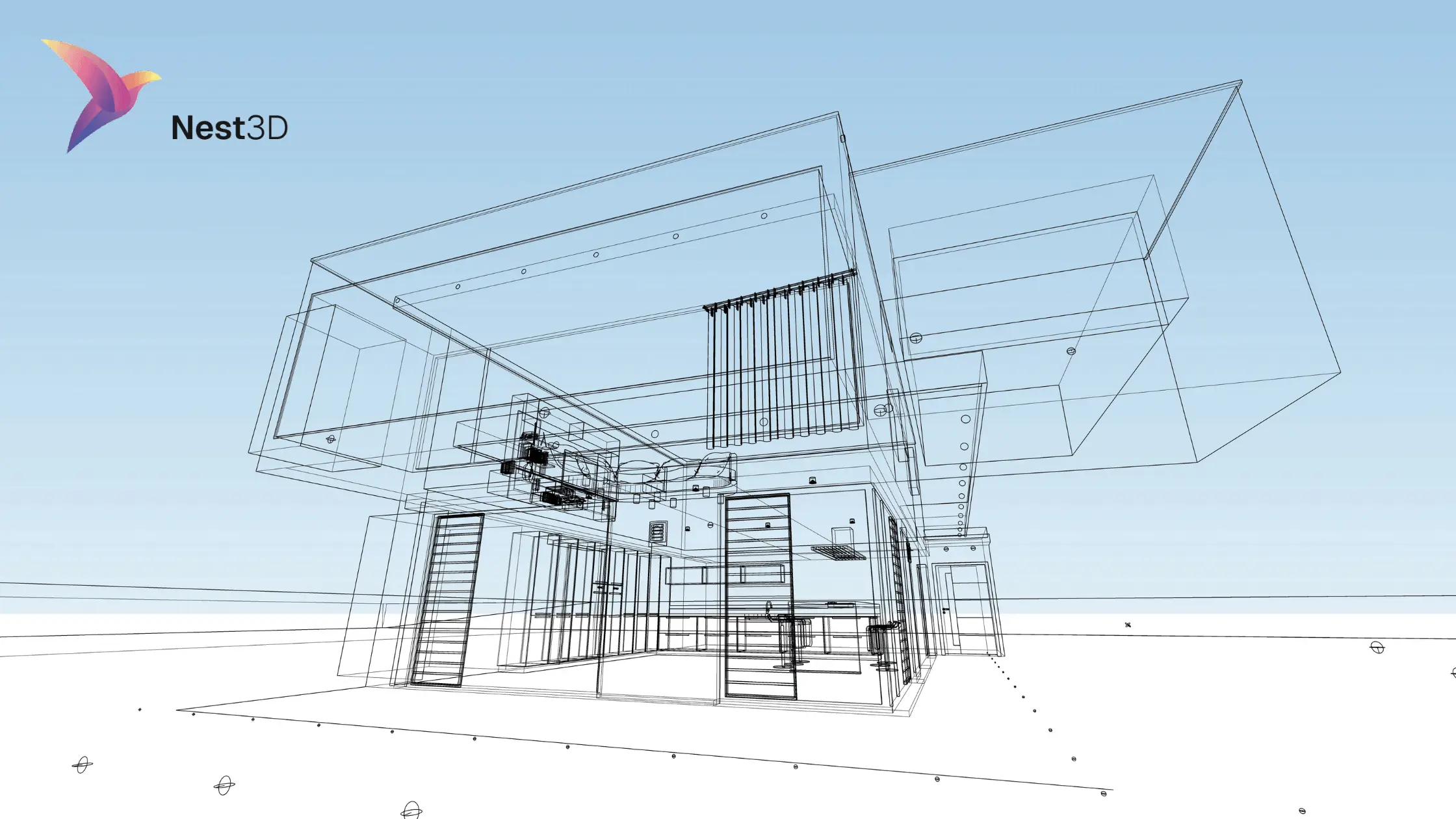
3D Point Cloud to CAD conversion is the heart of surveying and architectural projects, allowing experts to convert massive datasets from laser scanners or SLAM devices into detailed, accurate, and editable CAD models for design, construction, and mapping purposes. Two tools widely used for this are Trimble RealWorks and Nest3D.
Each of these addresses a different challenge in the handling workflow of point cloud data; their strengths and their blank spaces for drafting teams.
Comparing Approaches:
The key distinction lies in the goal of each tool. Trimble RealWorks offers tools for comprehensive and accurate analysis of the physical world, making it ideal for critical projects. Nest3D provides tools for productivity and automation, using a Point Cloud to CAD Software that helps professionals convert scan data into usable drawings rapidly.
Trimble RealWorks: Precision-Driven Geospatial Analysis
Trimble RealWorks is designed for professionals with wide knowledge in the 3D field and geospatial systems. It integrates tightly with Trimble’s geospatial hardware, including GNSS receivers, total stations, and laser scanners, creating a workflow from data capture to detailed analysis.
What Are Its Core Capabilities?
- Data Integration: RealWorks allows combining multiple scans from different devices into a single project. This includes terrestrial and mobile scans, GNSS coordinates, and optical measurements. Integration ensures that all data aligns in a single, accurate coordinate system.
- Point Cloud Registration: It offers both automated and manual registration methods. Multiple scans of the same site can be precisely aligned, eliminating errors.
- Detailed Measurement and Analysis: Users can perform volumetric calculations, surface measurements, contour mapping, and structural analysis. RealWorks supports detailed inspection tasks, making it suitable for infrastructure and construction monitoring.
- Point Extraction and drafting: Enables data extraction with the ability to draft in the app the deliverables (learn new drafting / modeling software)
- Export: After analysis, point clouds can be converted into meshes or exported to CAD software for further design or documentation.
Who Are Its Ideal Users?
Trimble RealWorks is best suited for surveyors and construction experts who prioritize accuracy, compliance, and detailed measurement. Projects such as highway construction, building verification, and topographic mapping benefit from RealWorks’ precision-focused capabilities.
What Are Its Workflow Characteristics?
- Data is captured with high-accuracy hardware and imported into RealWorks.
- Multiple scans are registered and cleaned of noise or outliers.
- Users perform detailed analysis, such as volume computation, surface assessment, and clash detection.
- Models or measurements are exported to CAD or BIM systems.
In essence, Trimble RealWorks emphasizes measurement precision and geospatial integrity, making it suitable for projects where accuracy is critical and mistakes can be costly.
Nest3D: Automation-Focused CAD Conversion
Nest3D is designed to convert 3D Point Cloud to CAD drawings quickly and efficiently using the point cloud accuracy. Its focus is on workflow automation, reducing the repetitive manual work of tracing point cloud data.
What Are Its Core Capabilities?
- Automatic CAD Extraction: Nest3D uses tools to identify walls, floors, ceilings, and other structural elements directly from point clouds. This significantly reduces the time spent on manual tracing.
- Handling Noisy Data: The point cloud software is capable of working with imperfect or noisy scans by simplifying data into an image-based format for easier CAD conversion.
- Workflow Integration: Users can maintain their CAD templates, layer conventions, and drawing styles while Nest3D automatically extracts geometry.
- Time Efficiency: Designed to accelerate project delivery, Nest3D allows surveyors and architects to meet tight deadlines and handle multiple projects simultaneously.
- CAD software integration: The final deliverable (drawing/model) being done in the standard professional CAD software such as AutoCAD by Autodesk, ZWCAD and BricsCAD
Who Are Its Ideal Users?
Nest3D targets surveyors, architects, and private drafting firms. Its users often face a high volume of scan-to-CAD projects and require a Point Cloud to CAD Software that reduces manual labor while maintaining accuracy in CAD drawings.
What are its Workflow Characteristics?
- Import point cloud scans into Nest3D.
- The software automatically identifies key structural elements and converts them into CAD-friendly objects.
- Realtime data conversion to CAD software
- Users can adjust, refine, and finalize drawings without repetitive manual tracing.
- Output is ready for client delivery or further design work.
Nest3D prioritizes efficiency, automation, and workflow simplification over raw measurement precision. Its strength lies in converting complex data into actionable drawings quickly, thanks to the use of point cloud tools.
Practical Use Cases:
Trimble RealWorks:
- Highway and road alignment verification.
- Construction progress monitoring.
- Topographic mapping for large infrastructure projects.
- Professional surveys require high precision and regulatory compliance.
Nest3D:
- Converting interior and exterior 3D Point Cloud to CAD floor plans.
- Small architectural projects requiring fast turnaround.
- Drafting services handling multiple clients with high-volume scan-to-CAD work.
- Simplifying repetitive tracing tasks in CAD workflows.
- Cut off all the annotation part
Achieving The Shared Goal
Trimble RealWorks and Nest3D address the point cloud workflow from two distinct angles: precision and efficiency.
Trimble RealWorks is ideal for professionals who need highly accurate, geospatially reliable data for construction, surveying, and construction projects. Its workflow emphasizes accuracy, detailed measurements, and comprehensive analysis, ensuring projects comply with standards and specifications.
Nest3D is best for professionals who need fast, accurate, automated conversion of 3D Point Cloud to CAD drawings. It focuses on workflow simplification, reducing repetitive work, and accelerating project delivery while maintaining reliable results. Enjoy the best plug-in experience that offers a 360º drafting environment, automated tools, clean DWG output, and seamless integration with CAD platforms.
Frequently Asked Questions:
- What is 3D Point Cloud to CAD conversion?
3D Point Cloud to CAD conversion is the process of transforming raw point cloud data, captured using laser scanners or SLAM devices, into editable CAD drawings. This process allows surveyors, architects, and engineers to create accurate floor plans, models, and designs from scanned environments.
- How to handle point cloud data-Trimble RealWorks vs Nest 3D?
Trimble RealWorks focuses on high-precision point cloud analysis, offering advanced measurement tools, topographic modeling, and compliance with surveying standards. Nest3D, on the other hand, emphasizes automation and workflow efficiency. It quickly converts point clouds into CAD-ready drawings, handles noisy data, and reduces repetitive manual tracing.
- Which software is better for fast CAD drawings?
Nest3D is generally better for fast CAD drawing generation because it automates the extraction of walls, floors, ceilings, and other structures from point clouds. It is designed to save time and reduce repetitive tasks while maintaining CAD template styles. Trimble RealWorks is more suited for projects that prioritize accuracy over speed.
- Can Nest3D handle incomplete Point Cloud data?
Yes, Nest3D is designed to handle noisy or incomplete point cloud data. It simplifies the datasets into cleaner representations that can be converted into CAD drawings, minimizing the need for extensive manual cleanup.
- Do I need specialized training for Point Clouds to CAD projects?
Trimble RealWorks requires a certain level of training and familiarity with surveying principles due to its advanced analysis tools and precision-focused workflow. Nest3D, while still requiring some basic CAD knowledge, is more user-friendly and designed to simplify repetitive tasks. Beginners can start quickly by understanding CAD templates and drawing conventions to improve efficiency.
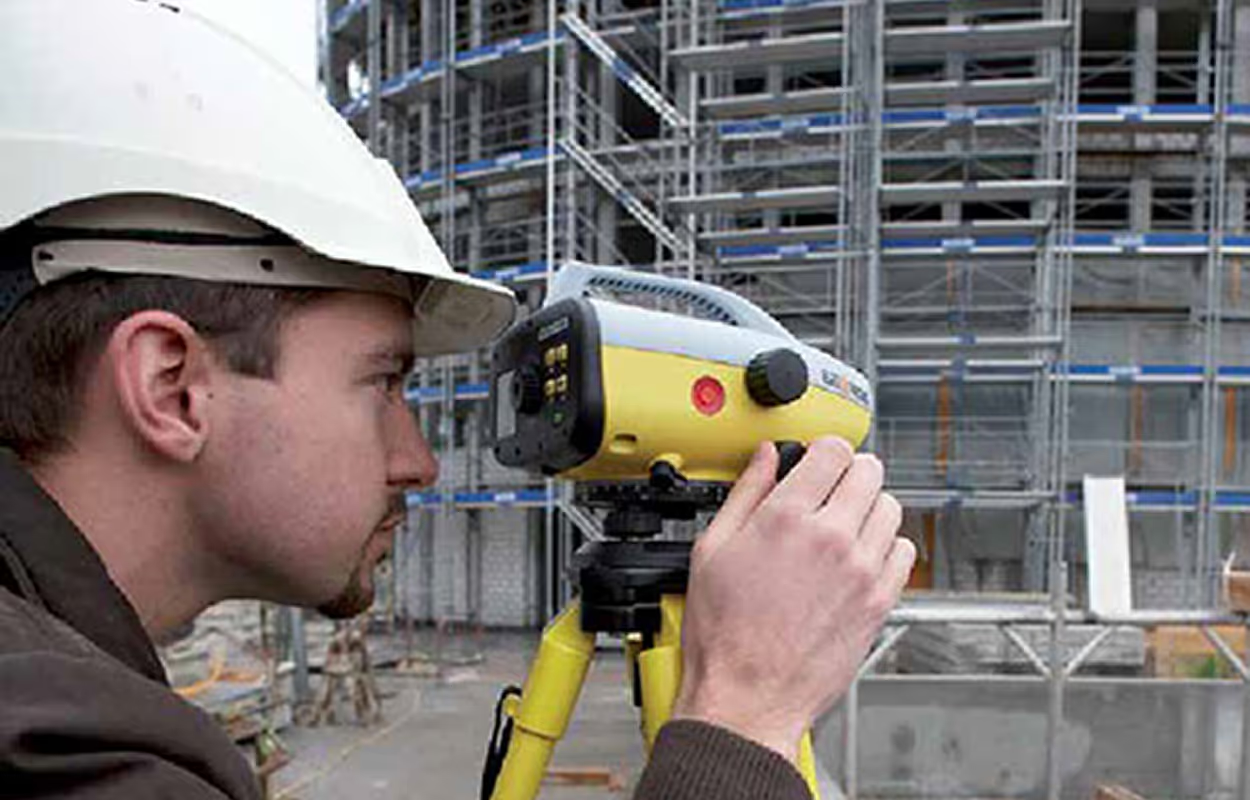
Turn Point Clouds into CAD in Seconds
Cut drafting time by 60 percent and deliver accurate DWG drawings without manual tracing. Try Nest3D free for 14 days with no credit card required.
Get Started for Free
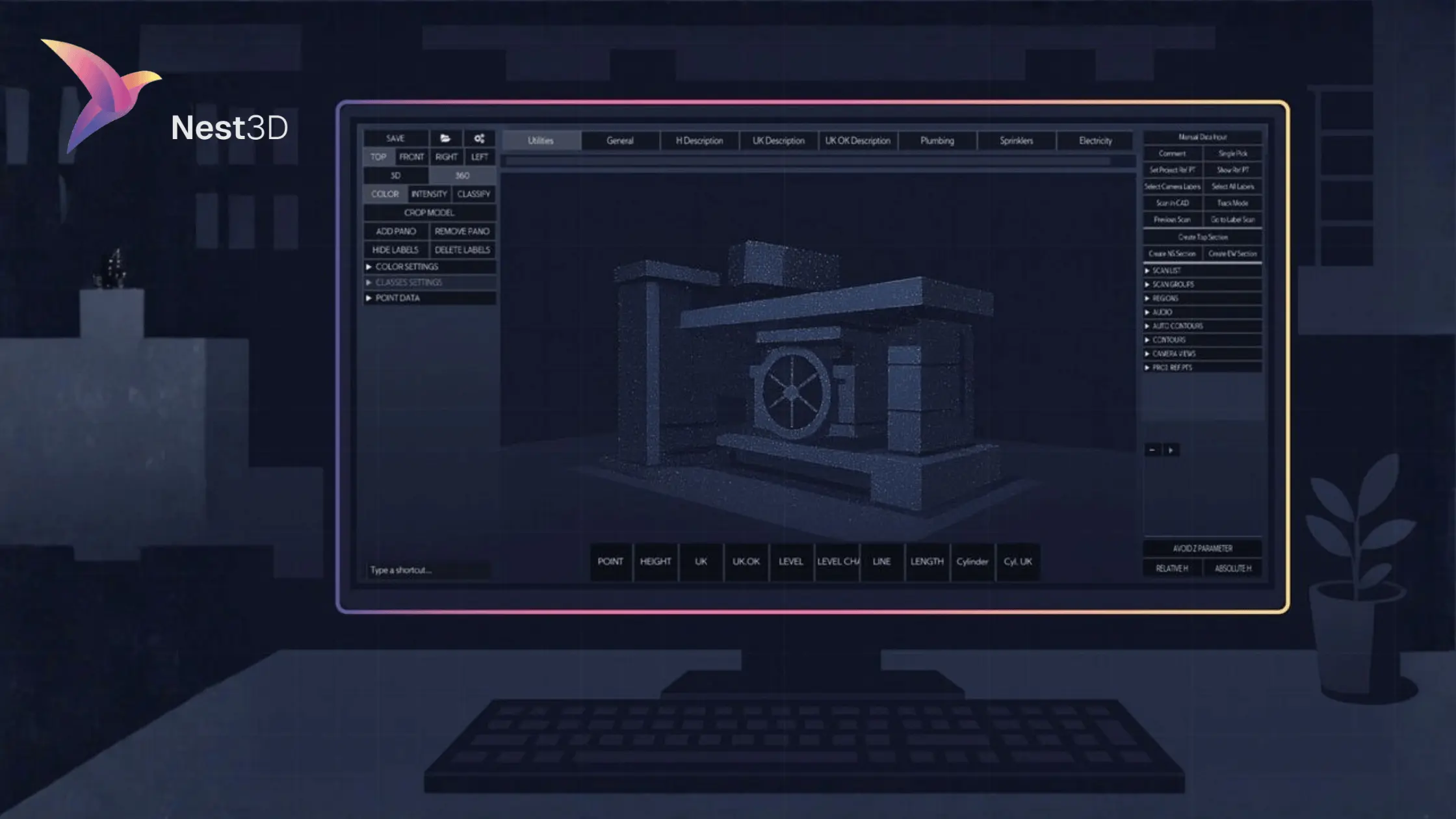
.svg)
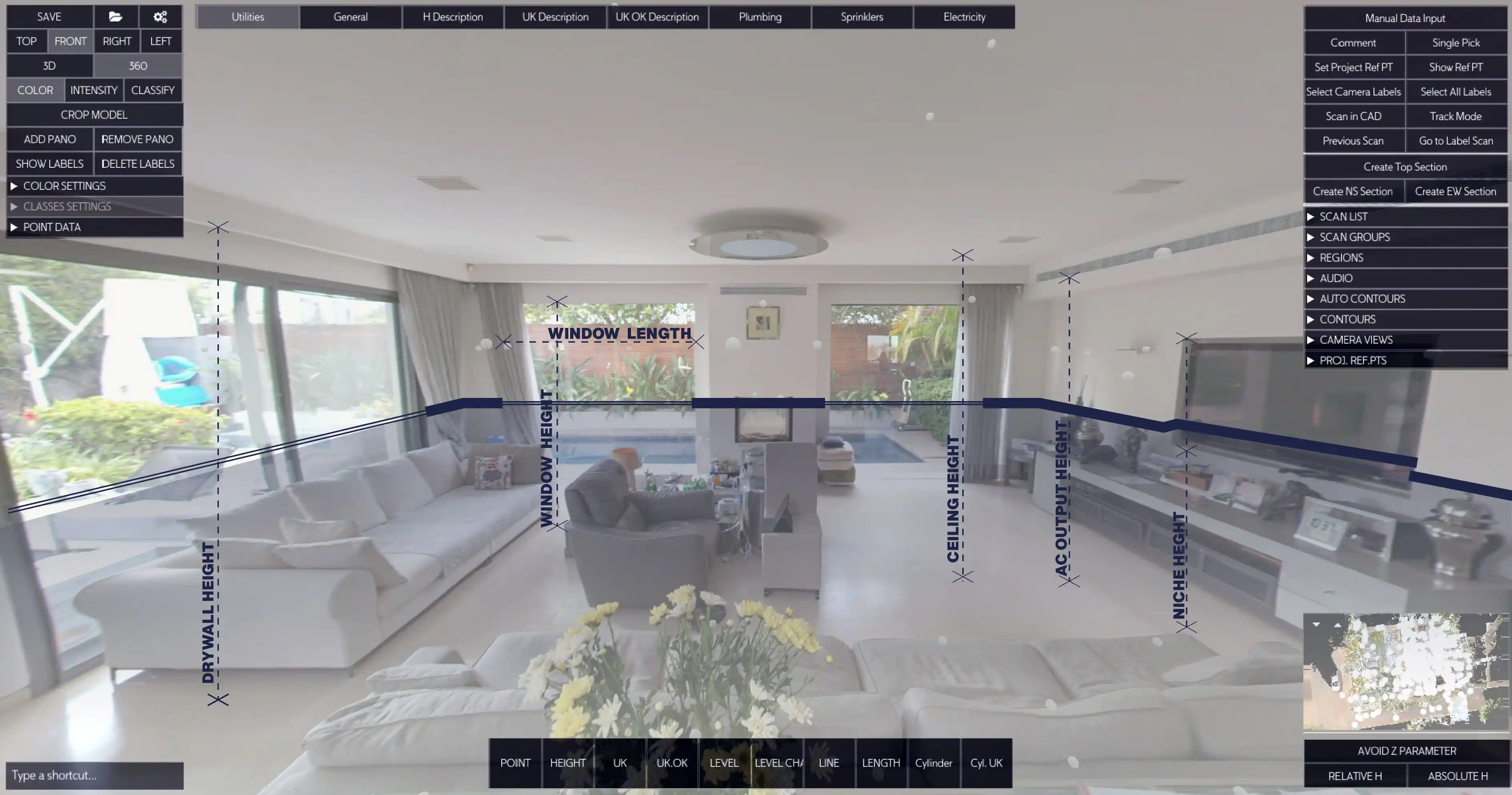


.svg)
