
.svg)
.svg)
For engineers operating in industrial, manufacturing, or plant-engineering contexts, integrating field-scan data into CAD design is essential. Converting a 3D point cloud into BIM (Building Information Modeling) via purpose-built point cloud tools can streamline your design work, reduce rework, and elevate accuracy.
The Challenge: From As-Built Reality to Engineering Design
When walking into a facility such as an industrial plant, a mechanical room, or a power distribution centre, you’re likely to find complex routing of conduits, cable trays, HVAC ducts, and equipment. Capturing this complexity manually is time-consuming, error-prone, and costly.
A laser scanner or mobile LiDAR device generates a 3D point cloud to CAD, an unstructured set of millions of points that reflect the real geometry of the facility. But a raw point cloud alone doesn’t serve the engineer’s need to update CAD drawings, analyze systems, coordinate MEP (mechanical, electrical, plumbing) routing, or check clearances. You need to convert that data into usable design formats: CAD drawings, BIM models, and intelligent geometry.
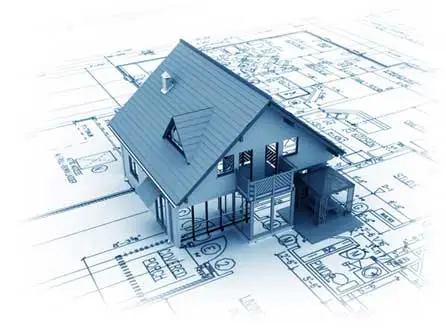
Hence, the workflow: 3D point cloud → CAD/BIM model → engineering design. This is where point cloud software and point cloud tools come into play.
Key Capabilities to Look For in Point Cloud Software
When selecting a tool for converting point clouds into usable CAD/BIM models, consider these criteria:
- Direct CAD Integration:
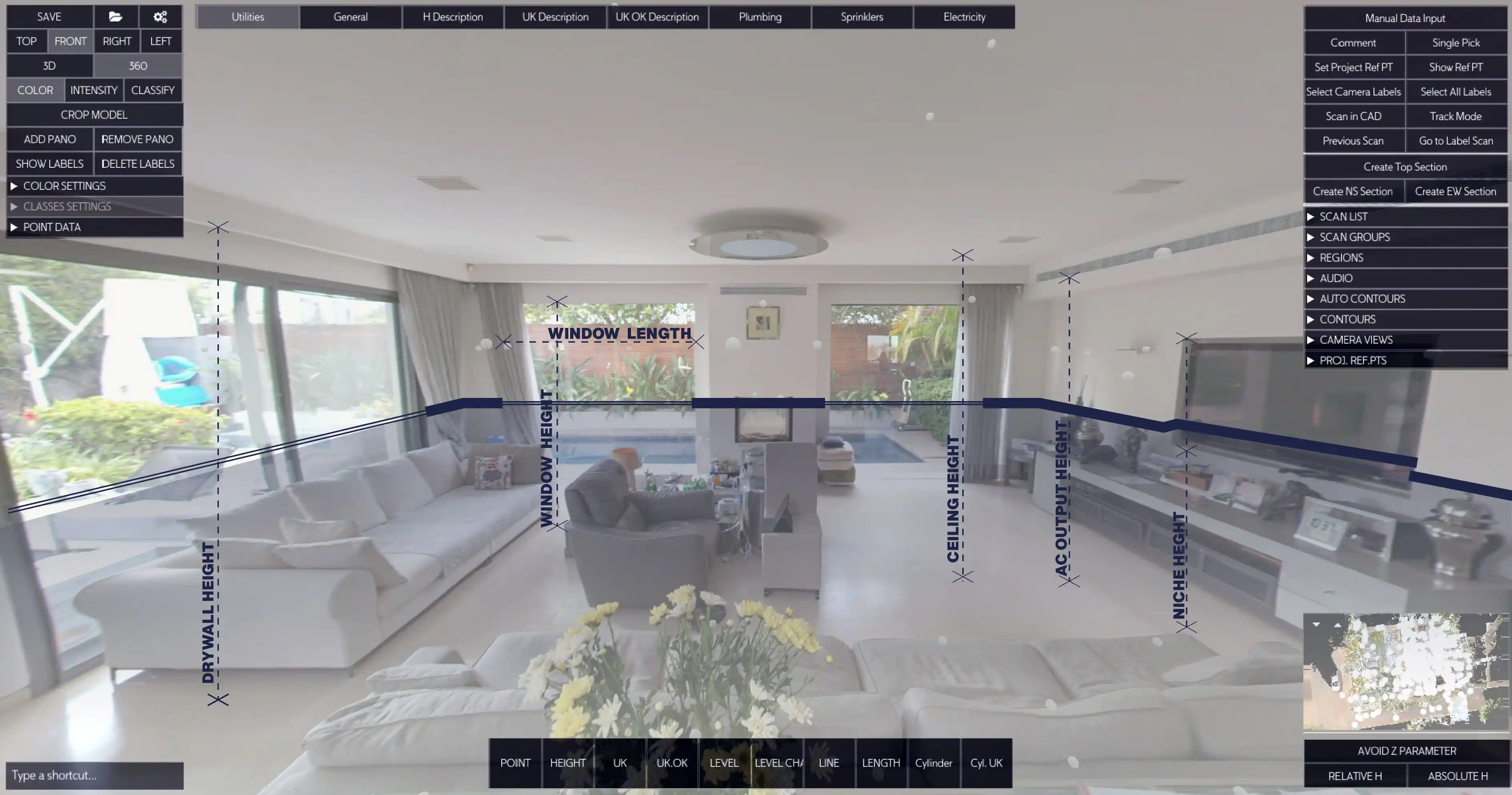
The software supports imports of common point-cloud formats (E57, FLS, etc) and plugs into a CAD environment via a CAD point cloud plug-in for AutoCAD. You want to operate inside your familiar CAD tool rather than switching ecosystems.
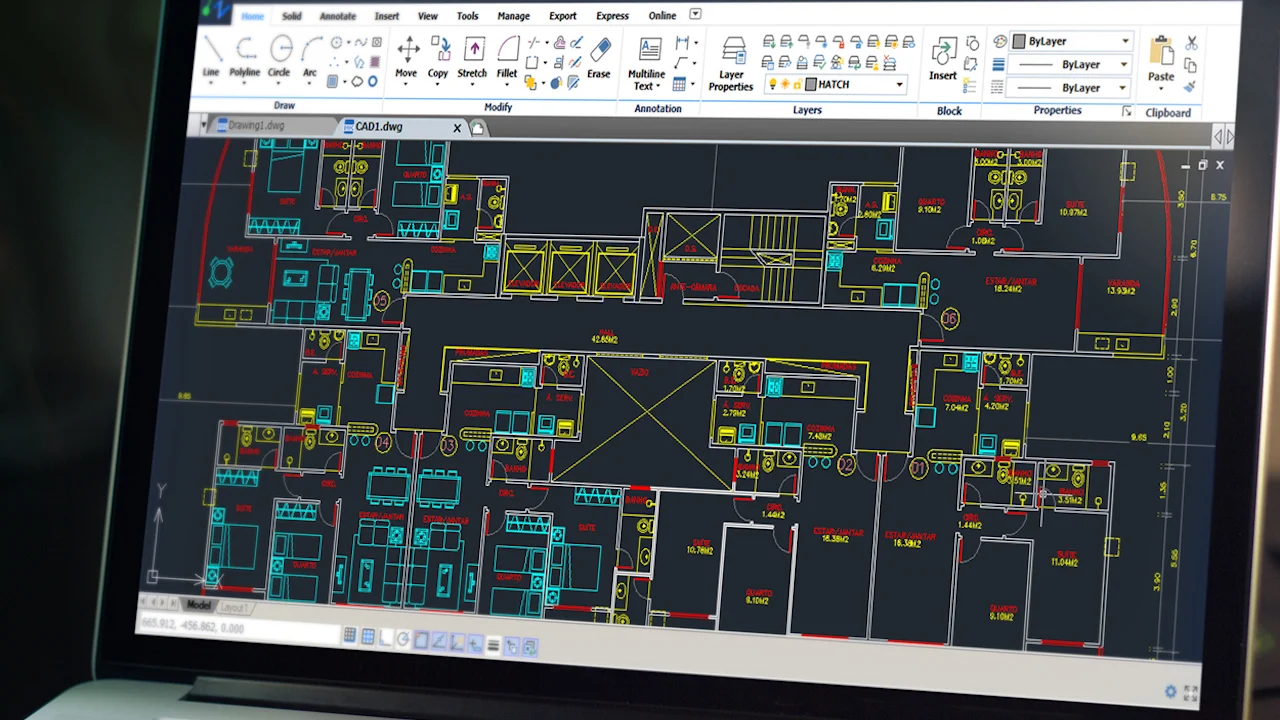
This solution supports AutoCAD, BricsCAD, and ZWCAD by using familiar DWG templates, layers, line types and blocks.
- Feature Extraction and Line Work Generation:
A good tool extracts key features from the point cloud, such as walls, slabs, pipes, conduits, openings, and converts them automatically into line work or intelligent BIM objects.
- Configurability to Engineering Standards:
The output must fit your firm’s or project’s CAD/BIM standards. This involves layer naming, block insertion, component tagging, and annotation. The best tools allow you to customize templates so that the output aligns with your internal MEP/structural standards.
- Design & Revision Workflow Support:
Engineers must iterate designs, respond to change orders, and manage revision control. The tool should support linking scan data to revisions, marking changes versus prior models (scan-vs-BIM), and updating designs accordingly.
A Practical Workflow for M&E Engineers using Cloud Point Software
A pragmatic workflow works on:
- Field Scanning and Data Capture:
Conduct a laser scan or mobile LiDAR of the facility, capturing mechanical equipment, electrical switchboards, cable trays, and structural features. Export the scan in a standard format (e.g., E57, FLS).
- Import into Point Cloud Software:
Upload the data to your chosen point cloud software . This allows import of E57/FLS and real-time conversion to CAD line work without the need of learning new draft software. Your final map and the drawing creation should be in the same draft tool - Autocad, BricsCAD, ZWCad
- Pre-process and Registration:
The output must fitAlign and register multiple scans, set coordinate systems, and clean out noise or irrelevant objects (e.g., moving machinery). This ensures your data has minimal error and corresponds to real geometry. your firm’s or project’s CAD/BIM standards. This involves layer naming, block insertion, component tagging, and annotation. The best tools allow you to customize templates so that the output aligns with your internal MEP/structural standards.
- CAD/BIM Model Creation:
Bring the line work into your CAD platform (AutoCAD,BricsCAD, ZWCad) or BIM tool (Revit, ArchiCAD etc.). As an electrical/mechanical engineer, you now import the geometry and begin your design: locate equipment, route trays/ducts, and coordinate services.
Why Does This Matters for Electrical & Mechanical Engineers?
- Reduced Design Risk: With a real-world baseline, engineers aren’t designing “blind”. Deviations from design become visible early, reducing surprise clashes on site.
- Faster Turnaround: Rather than waiting for field measurements or manual tracing, you convert directly from scan to CAD, reducing drafting time significantly. Nest3D claims up to 60 % less drafting time.
- Higher Accuracy: The manual tracing approach introduces automated line work derived from point clouds and delivers sub-millimeter alignment to real geometry.
- Better Coordination: M&E systems often have tight clearances like cable trays above pipe racks, electrical conduits near HVAC ducts. Having accurate geometry from reality capture ensures that coordination is meaningful.
- Future-proofing: The BIM model that is derived from a point cloud serves not just design but facility operations, maintenance, and retrofit activities. Having an accurate as-built model becomes an asset.
Choosing the Right “Point Cloud to CAD” Solution
When evaluating solutions, people often have a lot to ask. The AutoCAD point cloud plugin helps engineers to generate and edit line work within their familiar CAD interface. It supports various point-cloud formats and large datasets efficiently, along with maintaining engineering standards automatically.
Further, what makes Point Cloud Software ideal is its accuracy. In third-party tested workflows, it ensures precise as-built conversions suitable for engineering-grade design and inspection. Teams can manage multiple users under one account, making it efficient for engineering firms or multi-disciplinary departments. The tool covers the full pipeline, from importing the point cloud to generating CAD/BIM-ready outputs, eliminating the need for manual tracing or third-party post-processing
Conclusion: The Future of Design Integration with Point Cloud Software
By using point cloud software and integrating it via a CAD point cloud plug-in environment, you can reduce risk, enhance design turnaround, improve coordination, and deliver higher-fidelity documentation.
If you’re currently managing as-built documentation, retrofits, or modular equipment layouts, adopting a workflow built around reality capture will pay dividends in time, cost, and accuracy.
Ready to accelerate your engineering workflows?
Explore full-featured point cloud software today and see how quickly you can convert point clouds into production-ready CAD drawings.
.svg)


.svg)
